Capture prompts on the go.Use them on your Mac.
Speak or write down prompt ideas on your iPhone in seconds. Snop keeps them in sync and ready on your Mac, wherever the real work happens.

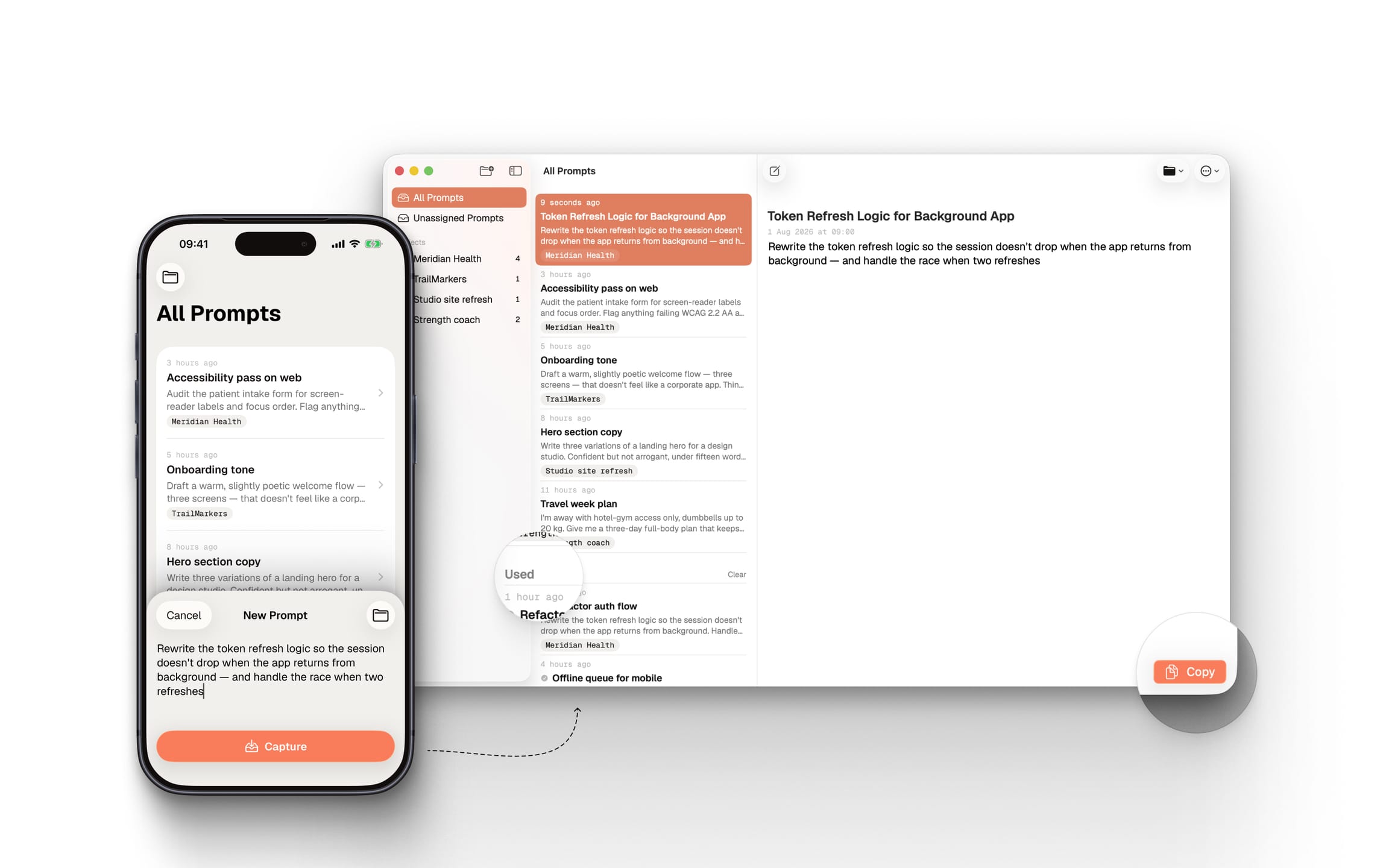
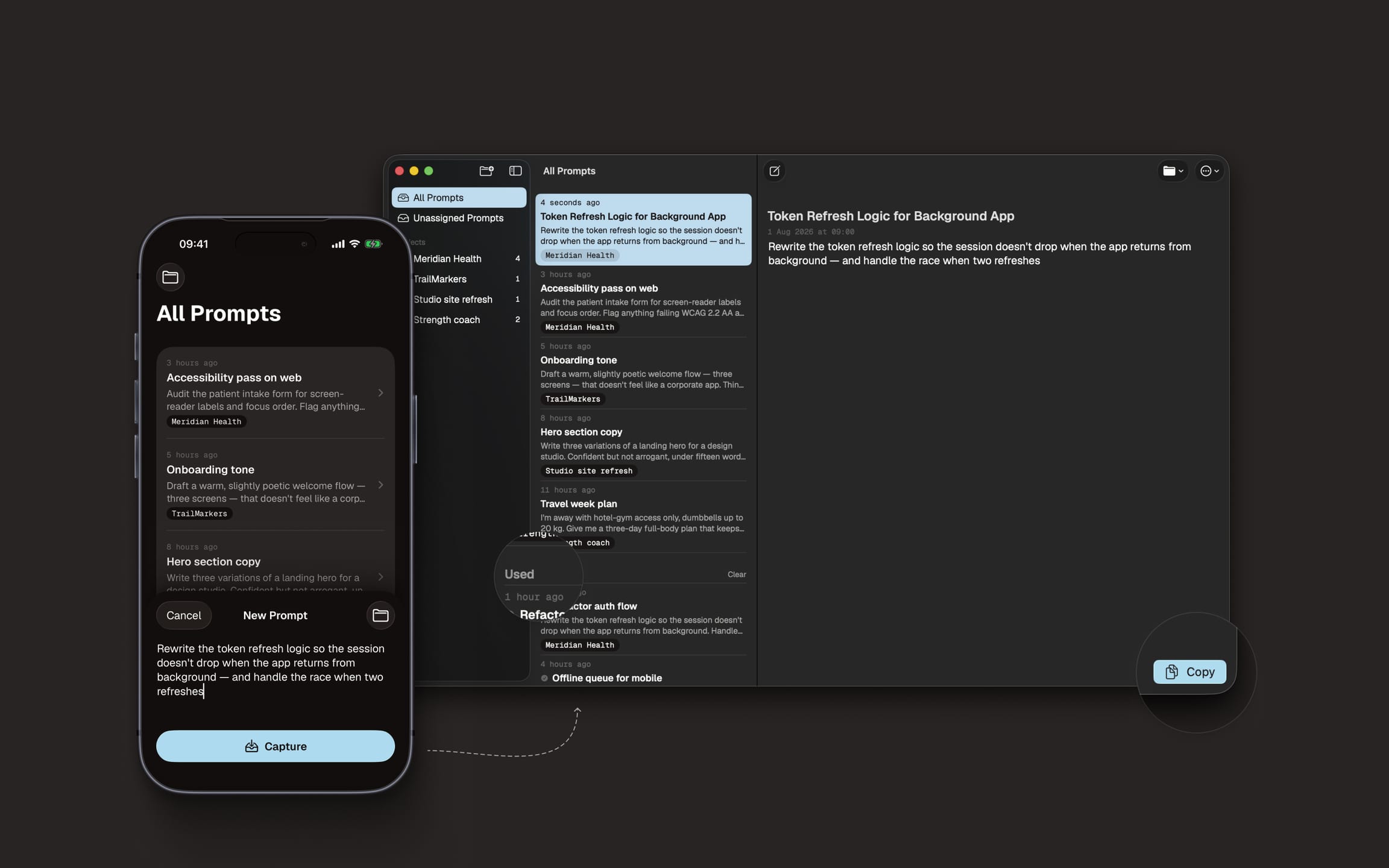
Your best prompts never arrive at your desk.
They turn up halfway around the hill, between train stops, or while the kettle is boiling. Snop gives each one somewhere to land before it evaporates.
One tiny loop that keeps good ideas moving.
Capture it
Say it to Siri, run a Shortcut or type it straight into Snop. Seconds, not ceremony.
Sync with iCloud
Snop works offline, then syncs your changes across your devices when a connection returns.
Copy and build
Open Snop on your Mac, copy the prompt into your coding tool and see that it has been used.
Everything the idea needs. Nothing it doesn't need.
Snop is deliberately focused on the journey between having a useful thought and putting it to work.
“Design an empty state that feels useful before it feels clever.”
 Capture prompt
Capture at the speed of thought
Siri, Shortcuts and the app itself give every idea the quickest possible route into your library.
Give each prompt a home
Assign a prompt to one project, browse everything together, or find the useful ideas still waiting to be organised.
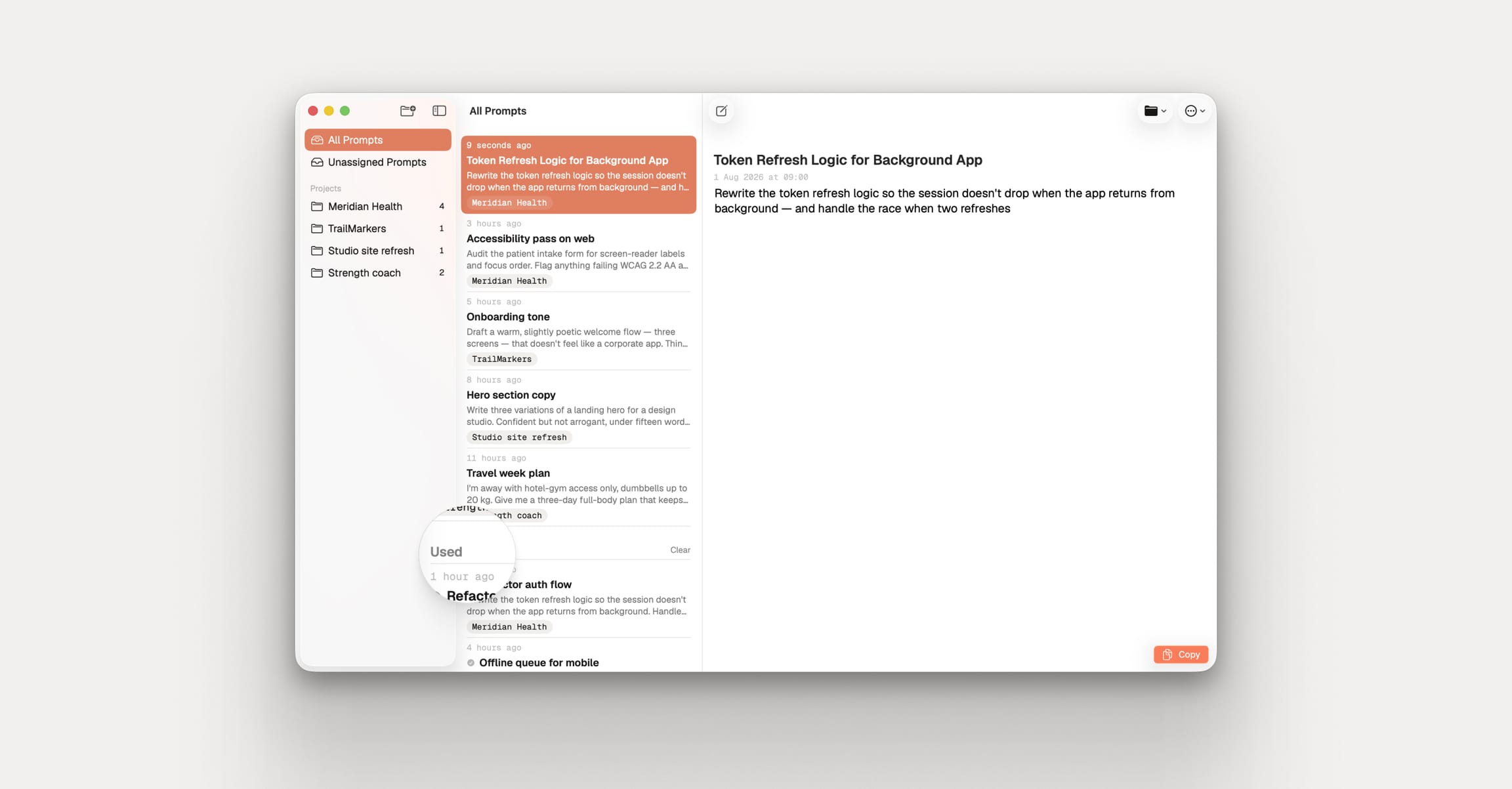
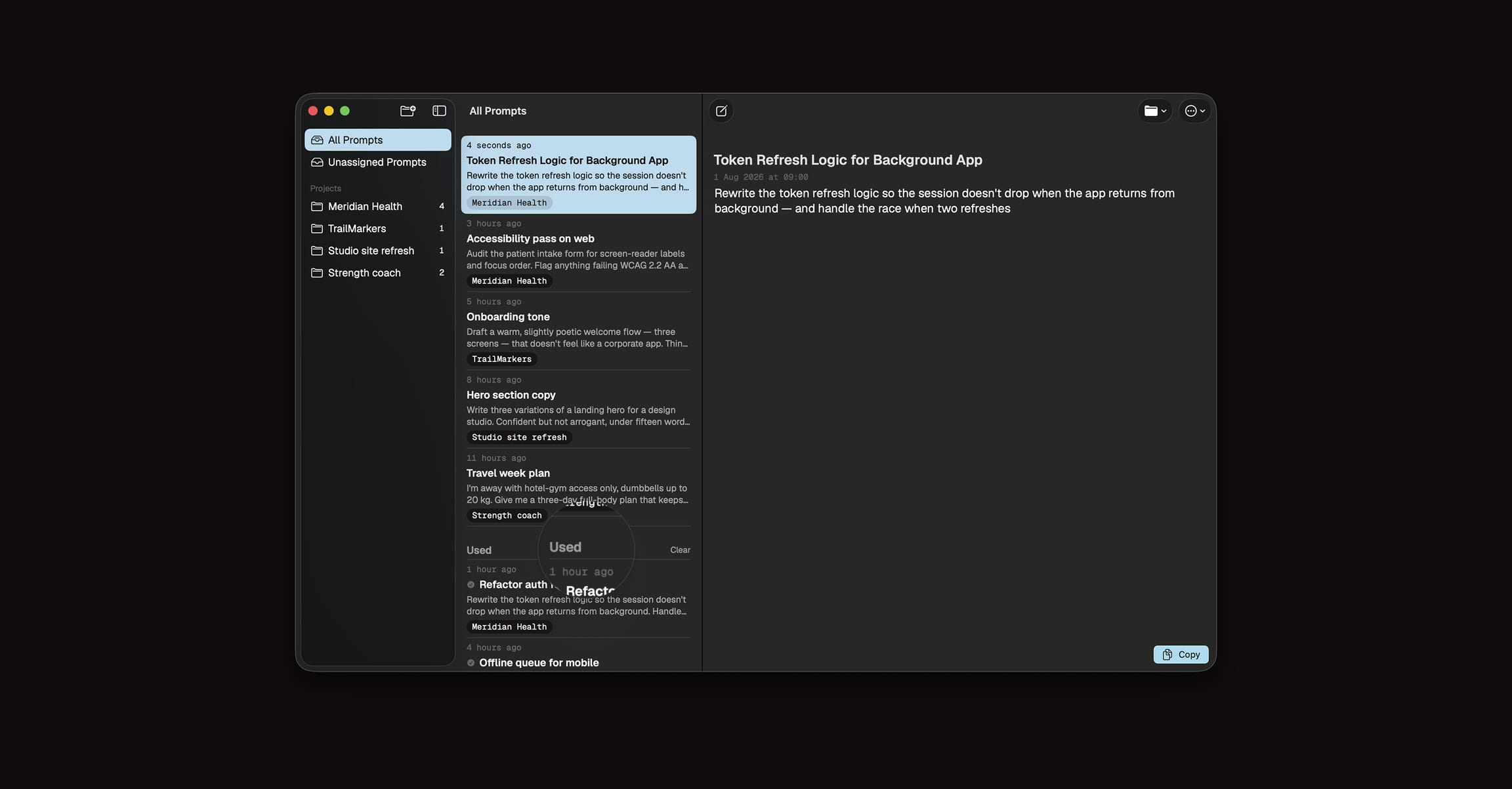
Know what you've already used
The Mac app feels as familiar as Notes, with a clear distinction between prompts that are fresh and prompts you've copied.
Your prompts aren't our business.
Your prompts live on your devices and sync through the private iCloud linked to your Apple Account. Snop never sends them to us, so we cannot see, read or use them.
Private iCloud sync
Apple synchronises your prompts between devices signed into your Apple Account. They stay in your private iCloud – we never receive a copy.
Content stays out of analytics
Prompt text, titles, projects and clipboard contents are never sent to PostHog.
Optional analytics
Analytics is off by default and never includes prompt text, titles, projects or clipboard contents.
No advertising business
We do not sell personal data, serve advertising or track you across other companies' apps and websites.

 Ready when the idea is
Keep the prompt. Lose the scramble.
Try every feature free for seven days, then continue with one annual subscription across iPhone, iPad and Mac.
Available for iPhone, iPad and Mac through the App Store.